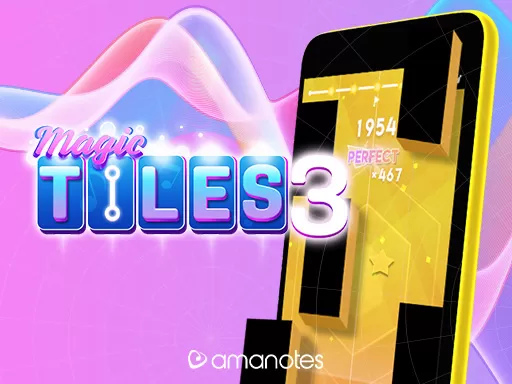
Magic Tiles 3 is a piano-style tapping game built around rhythm and reaction speed. As a song plays, tiles scroll down the screen. You must tap the black tiles in time. Miss a black tile—or tap the wrong area—and the run ends and the music stops.
Magic Tiles 3 gives instant feedback. A clean streak feels great, and one mistake ends the song. That “perfect run” goal pulls you back, while faster patterns train real timing skill.
Many players meet Magic Tiles 3 on mobile, but a browser version is great when you want quick play on a bigger screen. No install. No storage. Just open a tab and start tapping.
You can play Magic Tiles 3 in your browser here:
https://playunmatchedego.com
The core rule is simple: hit black tiles, avoid the rest. Everything else is timing and consistency.
Browser versions usually support one or more of these:
If you want higher scores in Magic Tiles 3, pick one input style and practice it until it feels automatic.
Magic Tiles 3 belongs to the wider “piano tiles” rhythm-game style: falling notes, lane timing, and combo-based scoring. The modern mobile version is published by Amanotes, a music-game company known for building music-based mobile games.
Magic Tiles 3 launched on mobile and became popular because it’s easy to learn, hard to master, and built around songs people already love. Over time, Magic Tiles 3 expanded with more tracks, events, and competitive play.
Magic Tiles 3 is often described by players as a mix of:
Magic Tiles 3 is generally free to play, but it may include ads and optional purchases depending on platform and region.
Yes. If you want quick play with no install, use a browser version. You can play Magic Tiles 3 on https://playunmatchedego.com.
Yes. A browser version lets you play Magic Tiles 3 on a laptop or desktop, which is great if you prefer a bigger screen and mouse control.
Many songs ramp up. As patterns get denser, you have less time to react. Stay relaxed and let the beat guide your timing.
Close heavy apps or extra browser tabs, avoid power-saving modes that reduce performance, and keep your device cool. Less input lag makes rhythm play feel more consistent.
Magic Tiles 3 is known for competitive modes where you can compare performance and test your timing skills.
Yes. Magic Tiles 3 is beginner-friendly because the goal is clear and the early levels are manageable. Start on easier songs, build accuracy, then move up.
Magic Tiles 3 stays popular because it turns music into a clear challenge: keep the song alive, build a combo, and beat your last score. If you want to jump in right now, play Magic Tiles 3 in your browser on https://playunmatchedego.com and start chasing that first clean run.